August 15, 2026·9 min read
How to Watch Passthrough VR Porn on Meta Quest 3
Step-by-step Quest 3 guide to mixed reality passthrough porn. Limited-time $5 Passthrough VR deal, plus DeoVR setup and AR passthrough tips.

Passthrough VR porn puts the performer in your actual room. On a Meta Quest 3, the color cameras on the front of the headset blend a studio scene into your living space, so it looks like someone is standing, kneeling, or sitting a few feet in front of you. This guide covers the exact setup: what you need, which player to use, how to turn passthrough on, and how to watch full scenes from Passthrough VR. Right now there is a limited-time $5 deal — grab it before you start the setup so you do not miss it. New to the headset? Start with how to watch VR porn on Quest 3, then come back here for mixed reality.
What passthrough VR porn actually is
Regular VR porn drops you into a 180° or 360° video world. Passthrough (also called mixed reality or AR porn) keeps your real room visible and only adds the performer. Quest 3 and Quest 3S do this in full color. Quest 2 can do it too, but the passthrough is grainy and black-and-white.
Studios ship passthrough in three main flavors:
- Alpha / chroma scenes. Shot against a green screen or with a transparency channel baked into the file. These look the cleanest when the player is set up correctly.
- AI passthrough. The player strips the studio background automatically. Convenient, a bit messier around hair and hands.
- Manual keying. You pick a background color in the player and punch it out. Useful, but more fiddly.
For full mixed-reality files, watch on Passthrough VR.
What you need
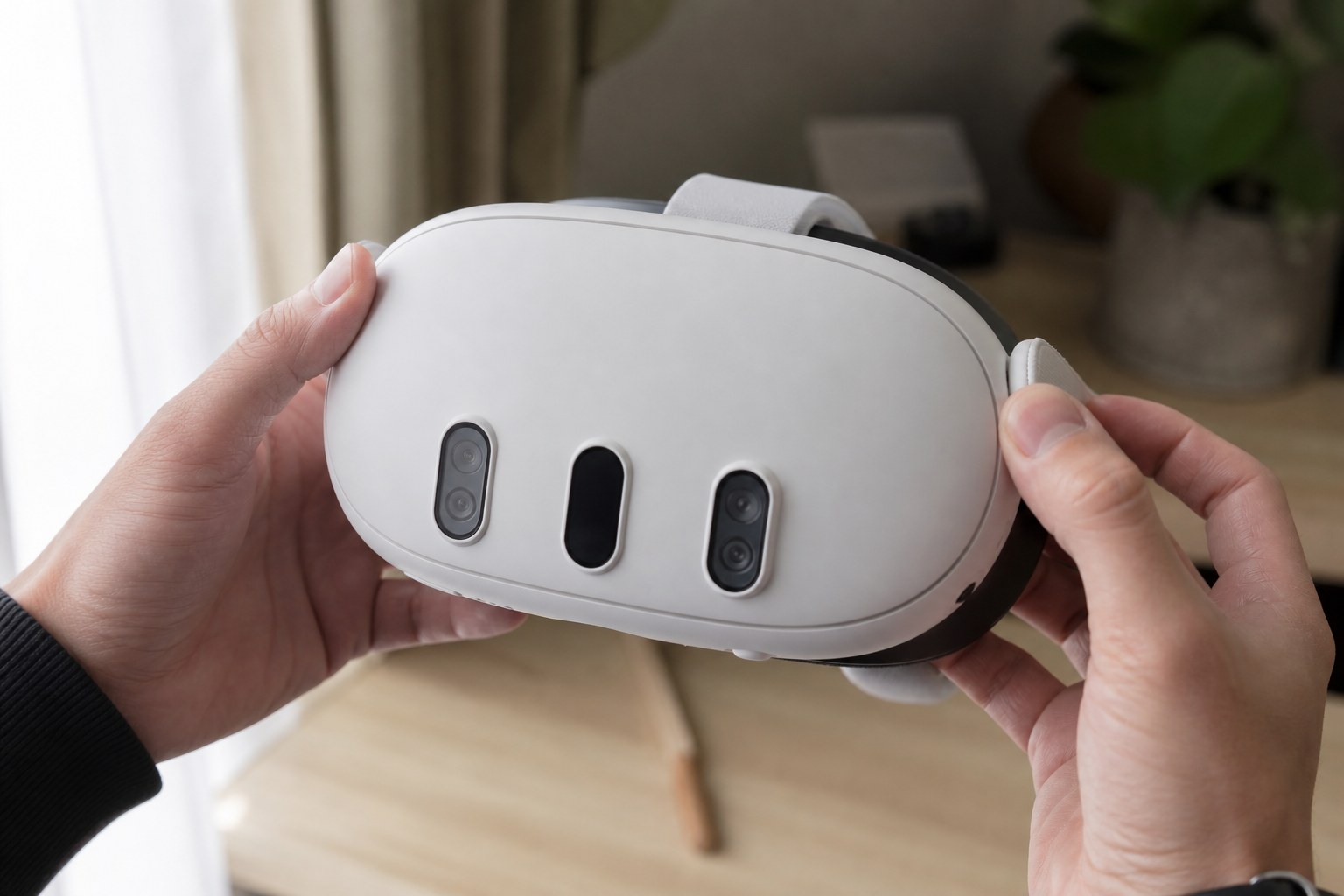
- Meta Quest 3 or Quest 3S. Color passthrough, no PC required. Quest Pro also works. Quest 2 is usable but not the same experience.
- Fast Wi‑Fi. 5 GHz or better. 8K VR files are huge; buffering kills the illusion.
- A well-lit, open room. Passthrough cameras need light. Dark rooms look noisy and the performer will not blend.
- DeoVR. Free on the Meta Store. Best no-sideload option for passthrough. HereSphere is stronger if you already sideload apps.
- A Passthrough VR membership for the full mixed-reality scenes. There is a limited-time $5 deal if you open Passthrough VR now.
Watch full Passthrough VR scenes
Passthrough VR shoots mixed-reality scenes meant for Quest 3. Open the studio, grab a scene, then play it in DeoVR so the performer appears in your room.
Watch Full Scenes on Passthrough VRInstall DeoVR on Quest 3
Open the Meta Store on your headset
Put the Quest 3 on, go to the Store, and search DeoVR. Install the official app. You do not need a PC, SideQuest, or developer mode for this method.
Launch DeoVR and sign in
Open the app from your library. Create a free DeoVR account if you are prompted. You can browse without paying; studio scenes still need a studio login or membership.
Give the app permission to use passthrough
If Quest asks for camera / mixed reality permission, allow it. Without that, DeoVR can play the video but cannot show your real room behind the performer.
Find passthrough scenes
Inside DeoVR, look at the filters or genre panel on the left. Tap Passthrough or Passthrough AI. That list is the content that already has a mask. Playing a normal VR scene and hoping the background disappears usually looks worse.
For studio-shot mixed reality, start with Passthrough VR. Open a scene there, then play it in DeoVR with passthrough turned on.
Watch full scenes on Passthrough VR, then continue in DeoVR:
Watch Full Scenes on Passthrough VRTurn passthrough on in the player
Start the scene
Pick a video tagged for passthrough and hit play. Let it buffer a few seconds on Wi‑Fi before you start adjusting anything.
Tap the passthrough / goggles icon
In DeoVR the control looks like goggles or an eye. When passthrough is on, the studio set should drop out and your room should show through. For AI titles there is a separate AI Passthrough button — tap that instead.
Match your real position
These scenes are shot from a locked camera: standing, sitting, or lying down. If the video is a standing POV, stand. If it is bed POV, lie back. Wrong posture is the #1 reason it looks fake.
Scale and place the performer
Use DeoVR’s distance, height, pitch, and scale sliders until the person is human-sized and their feet meet the floor. If a body part is floating in mid-air, the video is not lined up with your furniture yet.
Make it look real
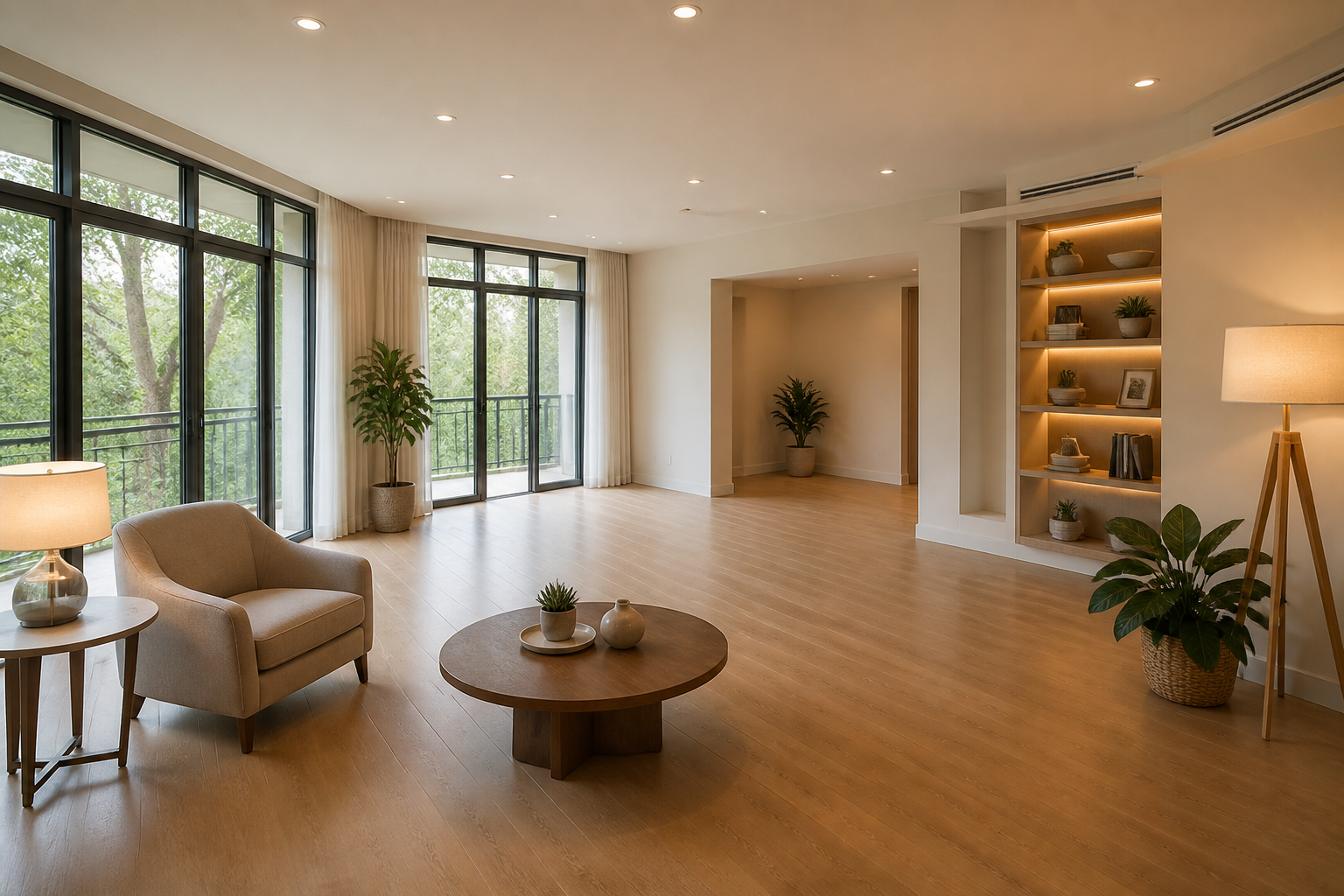
- Light the room. Overhead plus a lamp beats a dark cave. The Quest cameras need it.
- Clear space. You need room in front of you. A cluttered coffee table will slice through the performer.
- Use real furniture as anchors. If the scene has a chair or the edge of a bed, put yours in the same place and nudge the video until they line up.
- Watch scale. Too large and you get a giant on the coffee table. Too small and they float like a figurine.
- Stay on-headset. DeoVR passthrough is for the Quest app, not PCVR.
HereSphere (sideloaded) is the other serious option. In Advanced Video Settings set the environment to Passthrough, then pick Alpha Packed or Chroma Key depending on the file. Skybox is a great general player but it does not handle alpha passthrough the same way.
Scenes to start with
Start with dedicated passthrough titles from Passthrough VR, not a random 180° scene with the background keyed out. Open any of these on the studio site, then play them in DeoVR.
Quenched by Kiara Passthrough

SEX MACHINA IV: The Luckiest Woman Alive

Bugonia A XXX Parody Passthrough

Tropical Squeeze Passthrough
FAQ
Does this work on Quest 2?
Yes, with DeoVR, but the passthrough is monochrome and lower quality. Quest 3 / 3S is the headset this format was waiting for.
Can I use the Quest browser only?
The Quest browser is fine for signing up, but true mixed reality — your room plus a transparent performer — needs DeoVR or HereSphere.
Is Passthrough VR the only studio?
No, but it is the one built for this. Start with Passthrough VR for scenes shot for Quest 3 mixed reality.
Why does a body part float in the air?
Chroma scenes hide the other performer with a suit. If scale or height is off, the remaining body part will not line up with you. Reset position, then nudge height and distance until it sits where it should.
Ready to watch in your room?
Passthrough VR has a limited-time $5 deal. Open the studio, install DeoVR on your Quest 3, filter for Passthrough, and turn the goggles icon on.
Get Passthrough VR for $5